
Online Deactivation:
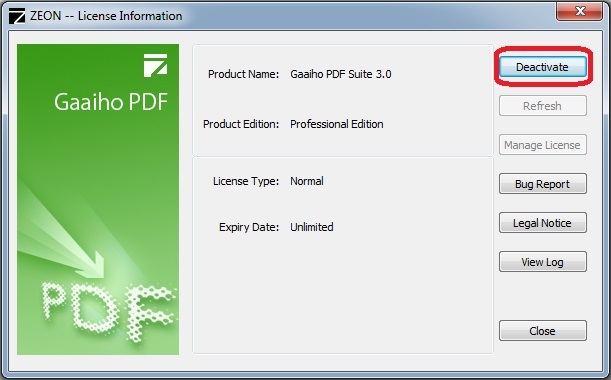
1. Select "Start→All Programs→Gaaiho→Gaaiho PDF Suite→License Information"
2. Click "Deactivate" button
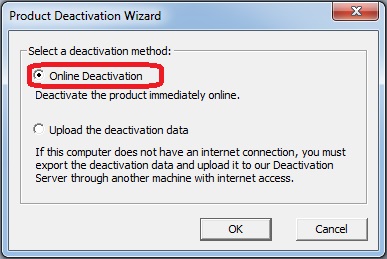
3. Select "Online Deactivation" to deactivate the product
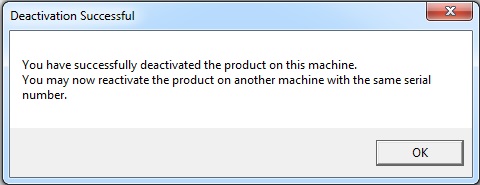
4. Wait until it is finished
Offline Deactivation:
1. Select "Start→All Programs→Gaaiho→Gaaiho PDF Suite→License Information"
2. Click "Deactivate" to begin
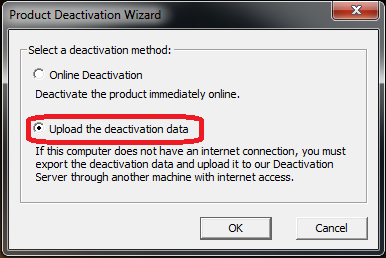
3. Select "Upload Deactivation data" to save it as a .htm file on your local hard drive.

4. Important: Copy "deactivation data" to any computer with Internet access, and open it with a browser
5. Important: Click "Upload" on the web document
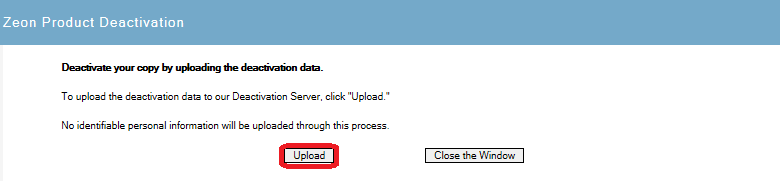
6. Offline deactivation is completed
Comments
0 comments
Please sign in to leave a comment.